










01 / 05
Dual Monitor
Full multi-display capture — reference on one screen, work on the other, both recorded as one session.
Capture real expert work as structured training data, and let agents practice in real computer environments - imitation and practice, one platform.
AI is no longer measured on benchmarks — it's measured on real files, real deliverables, real professional work. What models could do in principle keeps racing ahead of what they execute reliably.
THAT DISTANCE IS THE TRAINING GAP — A DEMAND CURVE, NOT A FINISH LINE.
THE TRAINING STACK● REAL WORK, MADE PRACTICABLE
Pretraining
Trillions of tokens of text teach language, facts, and reasoning patterns. Knowledge — not competence.
Supervised fine-tuning
Experts perform real work, recorded step by step. The model trains on the demonstrations and reproduces the behavior.
Reinforcement learning
The model attempts the task itself, gets scored on the outcome, and updates. Every run gets further than the last.
Capture Suite
Turn expert sessions into structured training assets — screen, input, voice, files.
Environment Suite
Boot real computers as RL environments and run them at fleet scale.
On-Prem Fine-Tuning
Capture inside your walls and train corporate agents on your own work data.
Everything needed to teach models real work.
Forcing it with
“almost-real” data
Training with

Synthetic sandboxes create volume. Pixelnode captures the actions, reasoning, machine state, and verified outcome of real expert work.
Synthetic volume
Generated examples without a real application state, expert intent, or verified outcome.
Recorded expertise
An expert's actions, reasoning, files, machine state, and verified outcome, captured as one training trajectory.
The capture agent turns real expert work - screen, input, voice, files, machine state - into structured, replayable training data.
See how capture works >A task brief goes in. A complete, structured, replayable record of expert work comes out — synchronized to the frame, ready for training.
Everything we capture >SESSION CONTAINER
Desktop · live capture
RECComputer Permission Management
Explicit, revocable permissions per capture — the expert stays in control.
Window-Level Privacy Mode
Exclude any window from the record, surgically — the work stays, the personal goes.
On-Demand & Automated Privacy
Pause by hand, or let detection pause for you when something private appears.
file_created
cut_v1.prproj
file_saved
cut_v1.prproj
SNAPSHOT
restore_point_09
file_renamed
cut_v2.prproj
SNAPSHOT
restore_point_10
file_exported
final_v2.mp4
RESTORING MACHINE STATE → restore_point_09 · ← restore the whole machine to any captured state
File Events Tracking
Creates, saves, renames, exports — every deliverable event, timestamped.
File / Folder Snapshots
Point-in-time copies of the working set, tied to the session timeline.
Computer Restore Points
Return the whole machine — apps, files, state — to any captured moment.
Whatever the craft demands — the capture agent records it natively.
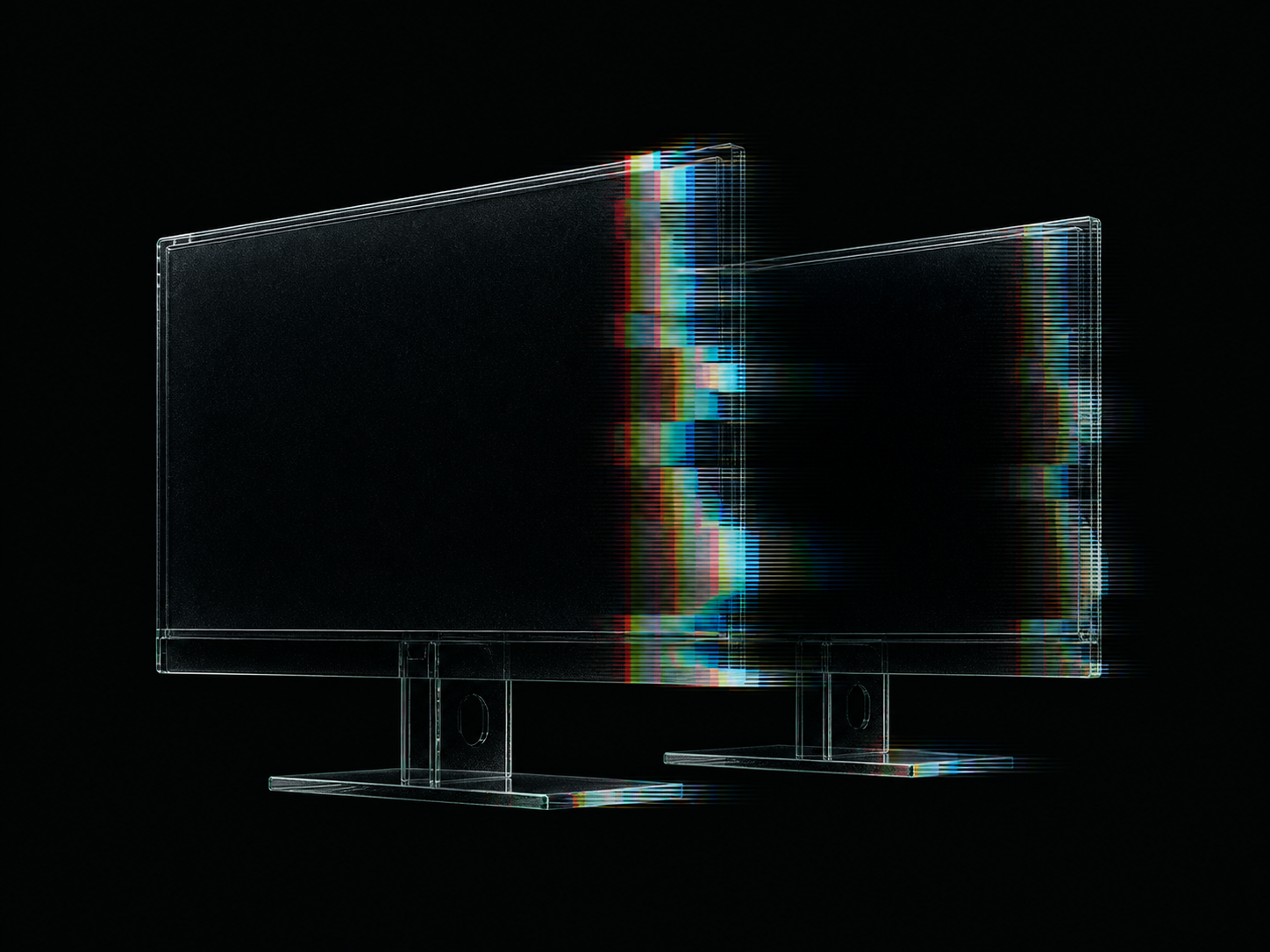
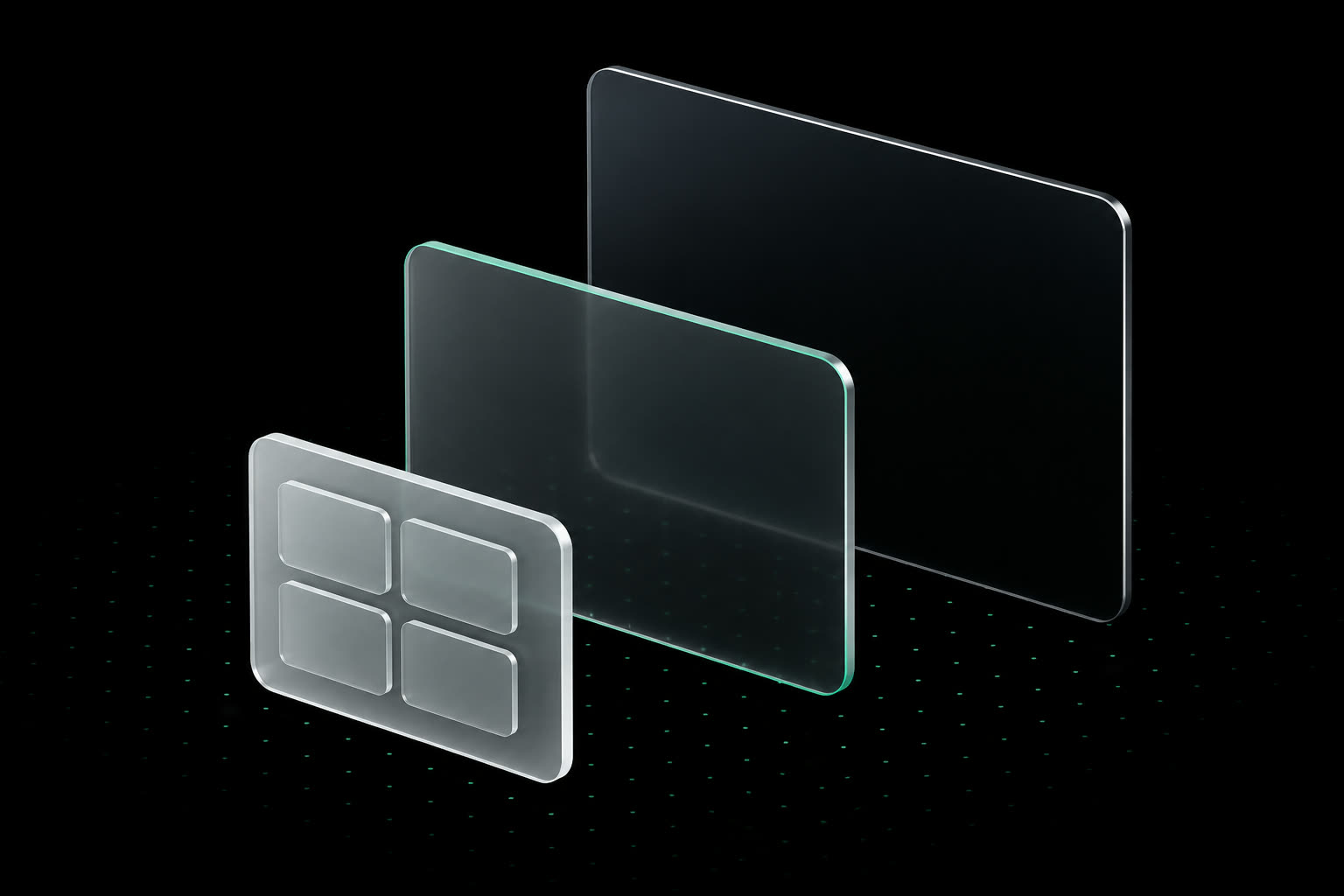
Dual Monitor
Full multi-display capture — reference on one screen, work on the other, both recorded as one session.
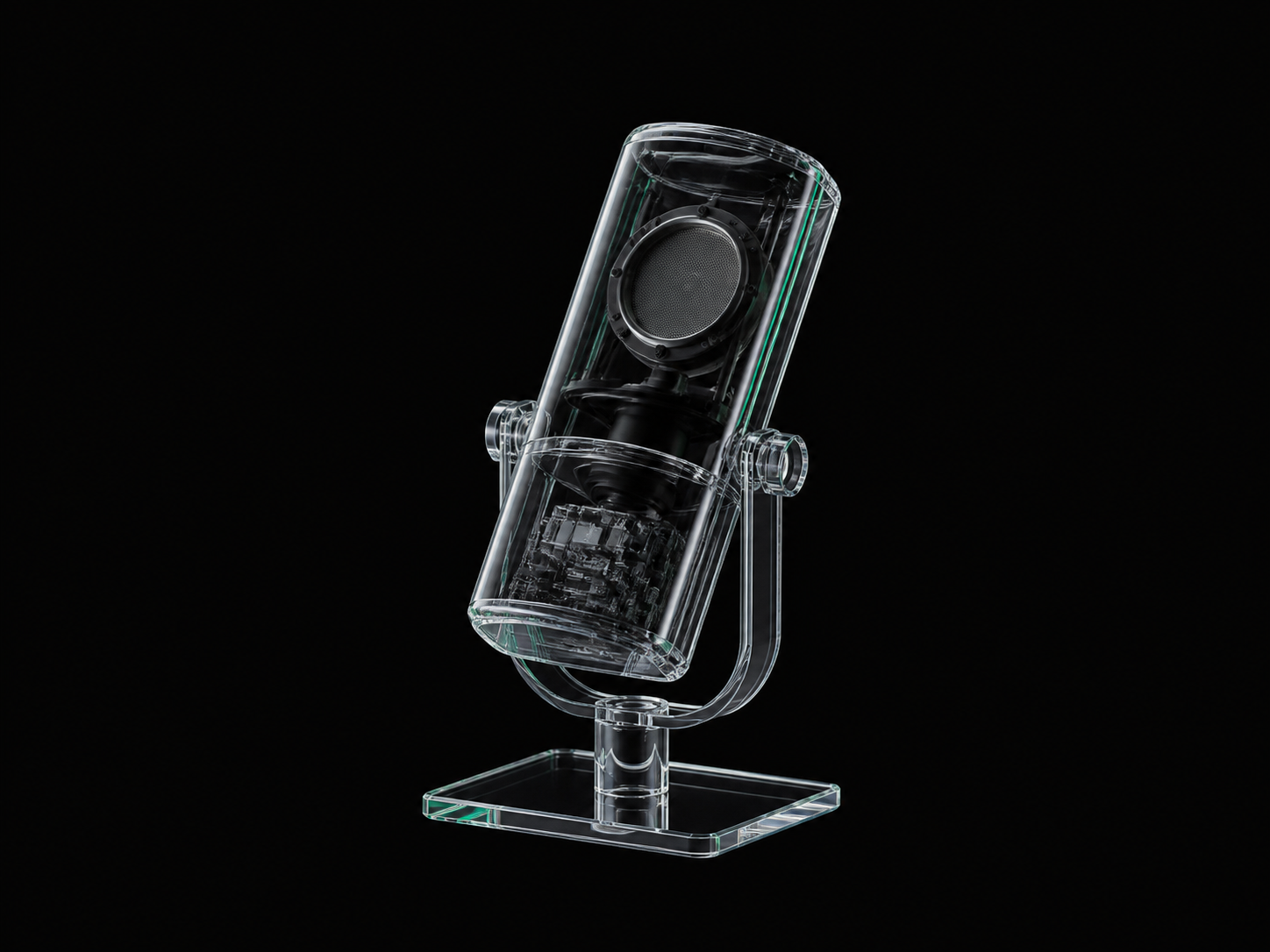
Audio & Microphone
System audio and voice narration on separate tracks, sample-synced to every frame of the recording.
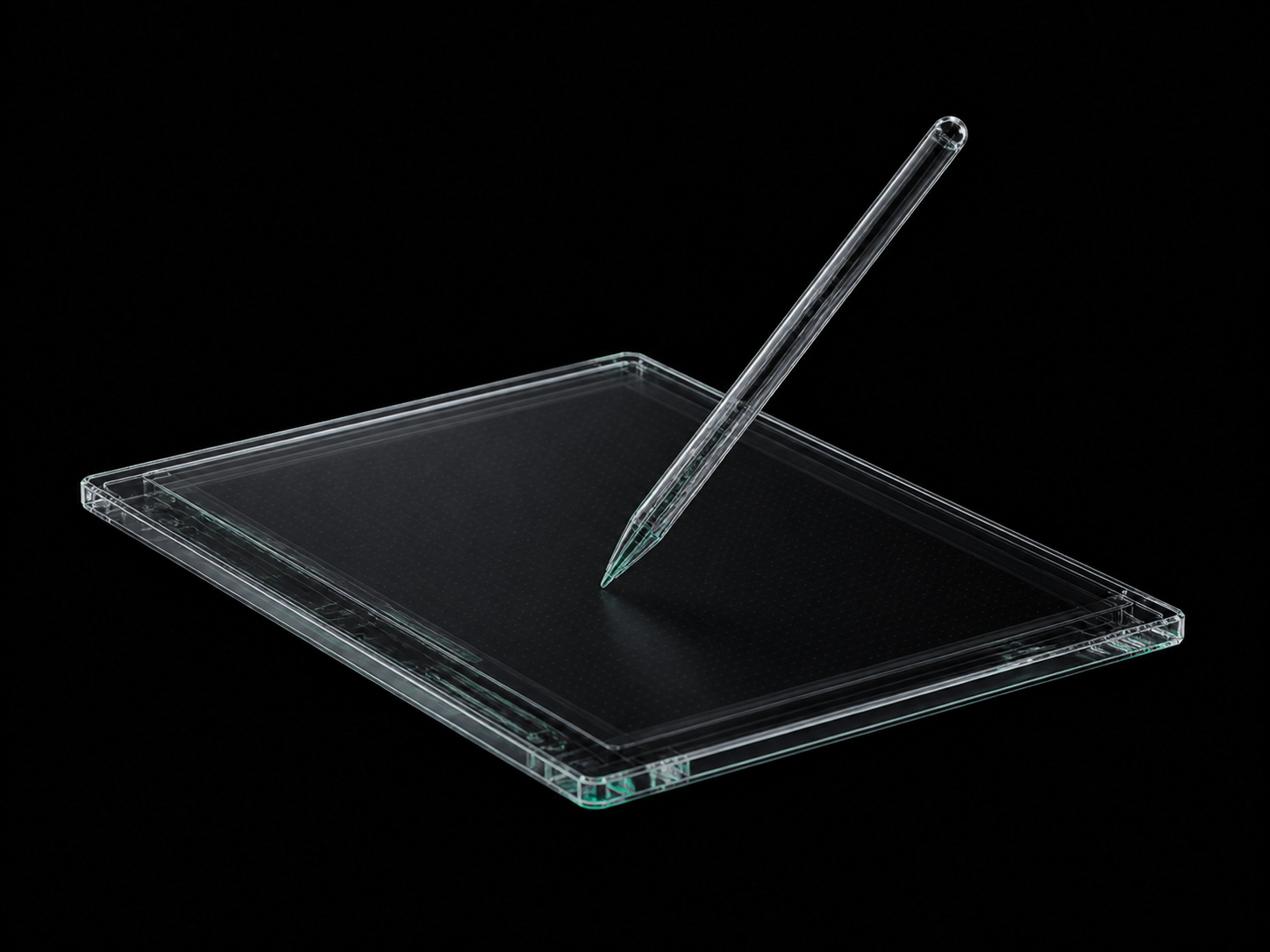
Drawing Tablet + Pen
Full stylus telemetry — pressure, tilt, and hover — captured alongside the canvas it shapes.
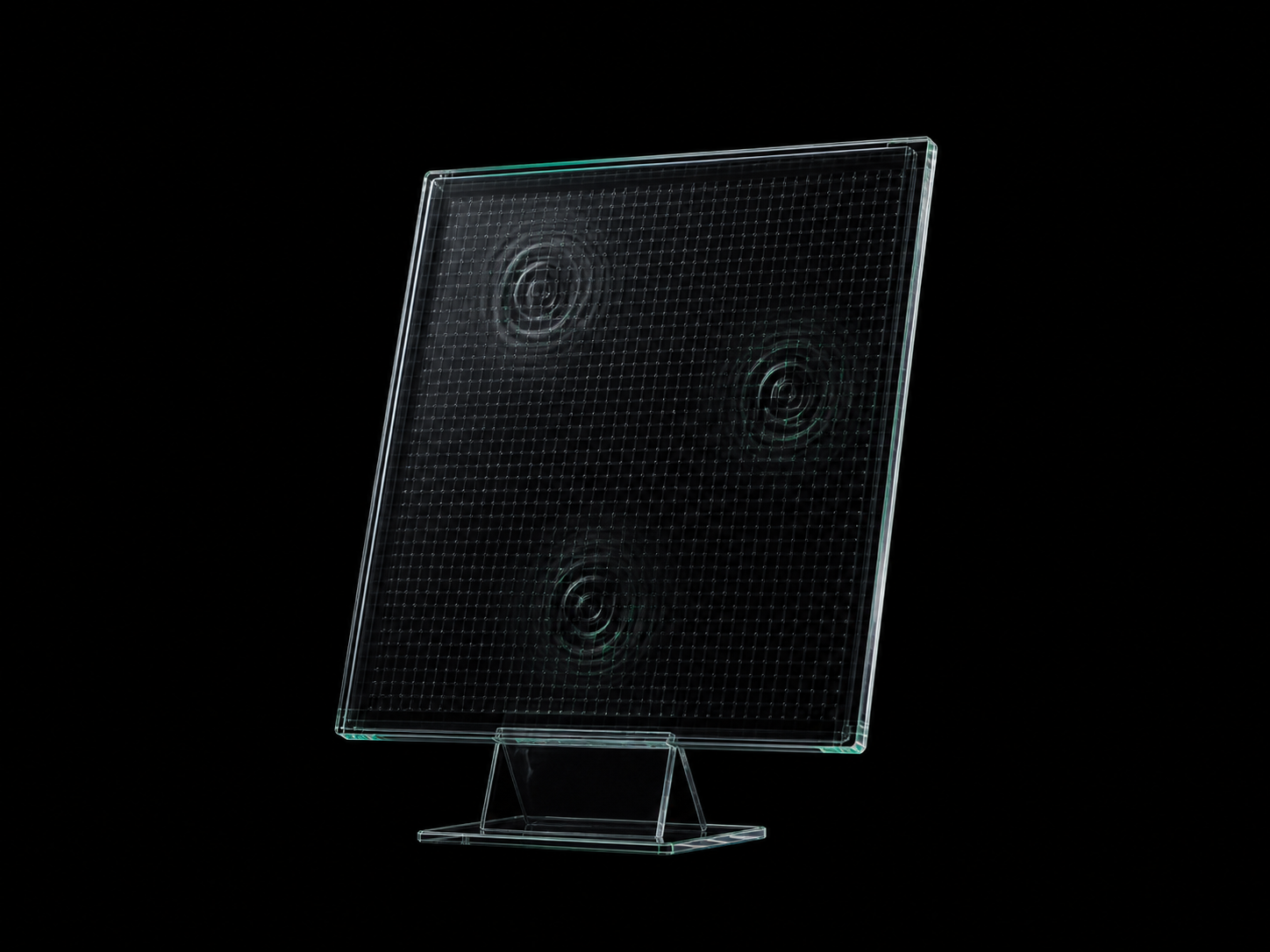
Touch Input
Native touch events from gestures to multi-finger interactions, recorded as structured input data.
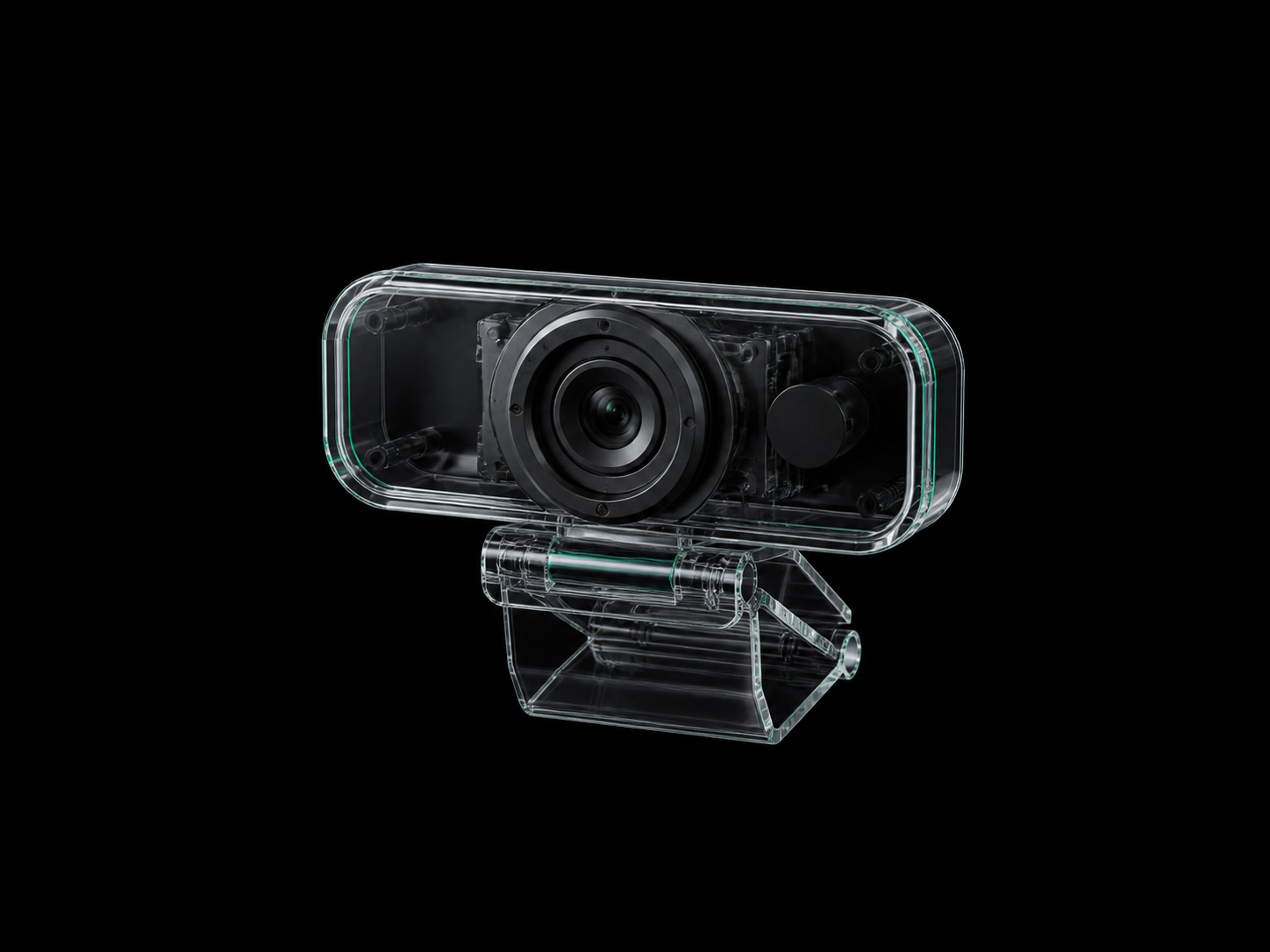
Webcam
An optional context track — what the expert sees and reacts to, kept private and opt-in by default.
For scalability
Provisioned desktops with apps preinstalled — spin up a hundred identical capture stations before lunch.
For authenticity
Experts work on their own machines, their own setups, their own muscle memory — the data stays honest.

Windows
Native capture agent
v2.4 STABLE
macOS
Native capture agent
v2.4 STABLE
Linux
Native capture agent
v2.4 STABLEAfter imitation comes practice - agents attempt real tasks on real computers, get scored on the outcome, and improve run over run.
Explore environments >Start real working environments instantly, with the tools and files each occupation needs.
Models work through the same display, pointer and keyboard signals people use.
Capture the machine, open apps and working files at useful checkpoints.
Restart practice from a chosen state without rebuilding the environment.
Checkpoint forking
Freeze minute 47 of a real expert session and let agents practice recovering — a thousand times.
Result Verifier API
The automatic referee. Programmable checks against files, app state, and exports.
Prebaked golden images
Versioned machine states. Compose a "level" per occupation in minutes.
Agent gateway
The same channel a human uses. Adapters for every major trainer.
Instant restore & fleet
Byte-identical restore in seconds, not VM-minutes. Parallel episodes, isolation, metering — across all major clouds and regions.
214 GOLDEN IMAGES
58 APPLICATIONS · ALL REGIONS

From creative work and engineering to finance and legal, any desktop workflow can become a repeatable training environment.


+ any desktop application
LIVE FLEET
18,204 EPISODES TODAY
Color-match and export campaign cut

Repair assembly constraints
Review AFC risk metrics
Clean shader graph and render

Complete quarter-end close

Retime sequence and render

Complete batch mask pass

Extract conflicting clauses

Backfill failed event partition

Issue coordinated sheet set

Render approved camera sequence

Repair MoGraph scene

Rebuild generation workflow

Stabilize pyro simulation

Finish layered color key

Repair animation constraints

Prepare concept model set

Prepare press-safe vectors

Export identity package

Composite product plates

Repair component variants

Export image derivatives

Prepare plotter-safe artwork

Balance live session

Repair mix routing

Clean interview recording

Repair score tempo map

Conform and grade master

Repair deep composite

Restore dialogue edit

Validate nonlinear load case

Issue coordinated drawings

Clean drawing references

Rerun coupled thermal study

Rebuild parametric body

Verify machining toolpath

Resolve board DRC errors

Verify transient response

Reproduce signal figures

Resolve feature failures

Validate regional map layers

Package playable level

Repair gameplay state logic

Reconnect scene signals

Resolve prefab overrides

Repair Blueprint logic

Reproduce notebook environment

Trace reporting discrepancy

Calibrate microscopy analysis

Rerun documented experiment

Reconcile dashboard model

Repair processing pipeline

Regenerate model plots

Render reproducible report

Validate workbook calculations

Resolve document review

Reconcile planning workbook

Patch and verify regression
Local Capture
Deploy capture on company workspaces and record company-specific workflows.
On-Premise Data Storage
Capture data lives in your own data centers. It never leaves the building.
Custom Trained Agents
Agents do company work — trained on your own company data.
Frontier AI labs
01Human-data infrastructure as a service.
Talent platforms
02White-label the stack. Keep your brand.
Enterprises
03Your workflows, your data, your agents.
Vision
PixelNode turns expert workflows, judgment and institutional knowledge into private training data for agents that learn how your company actually works.
Captured•Stored•Trained In-House
Book nowExpert work is recorded across screen, input, voice and files.
Security architecture
Boundary intact

Security is part of the training architecture, not a layer added later. PixelNode protects captured work from the first frame through the final training run.
Capture data is encrypted in transit and at rest.
Role-based access and hardware-backed authentication protect raw sessions.
Raw-session access is written to an audit log.
Capture, redaction, storage and fine-tuning can stay inside your infrastructure.
Private beta — now onboarding design partners